Sign in
After approval you sign in with the username or email address and the password from registration.
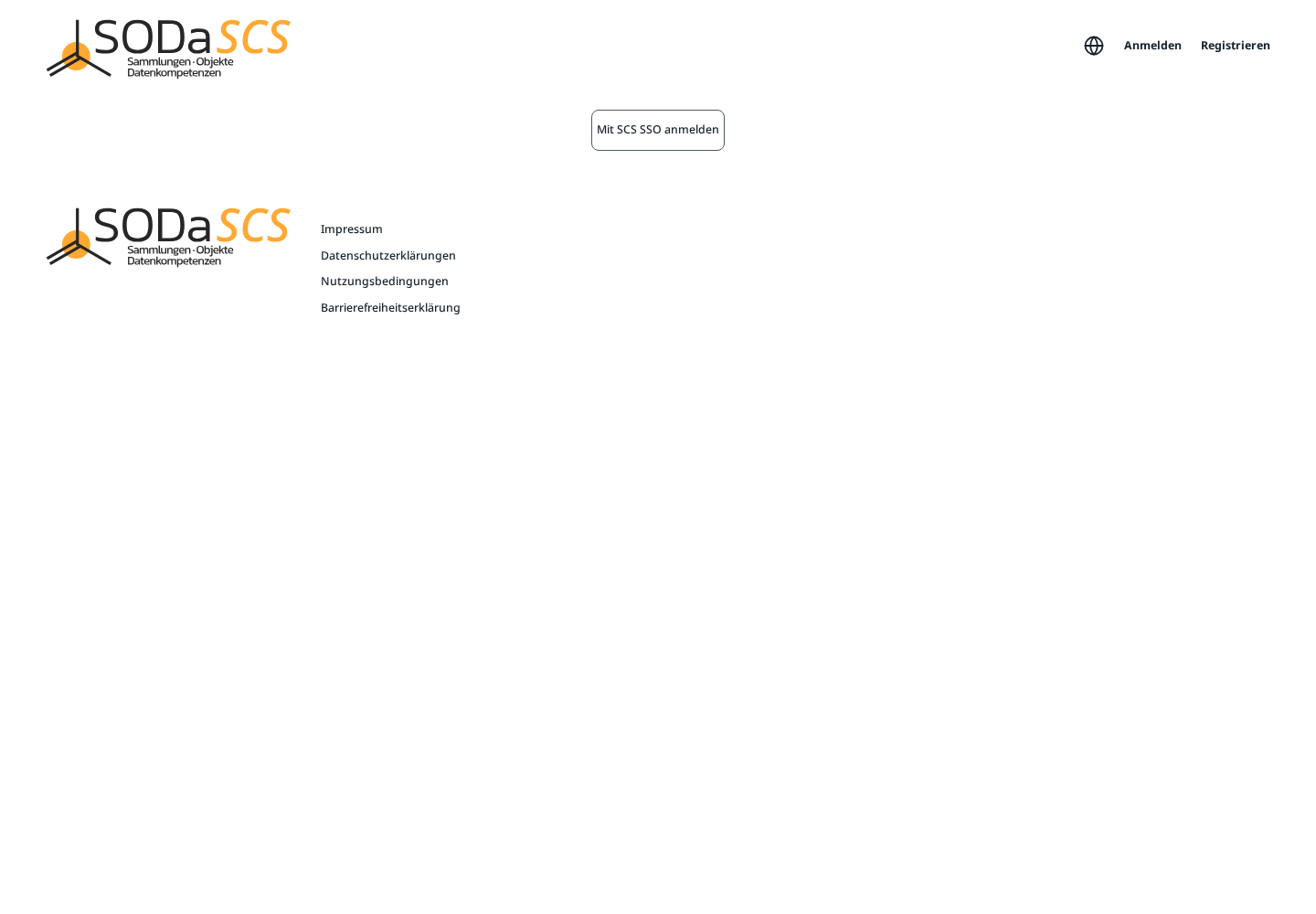
- Open SCS Manager and choose Anmelden.
- On the next page choose Mit SCS SSO anmelden.
- The Semantic Co-Working Space sign-in opens. Enter Username or email and Password, then Sign In.
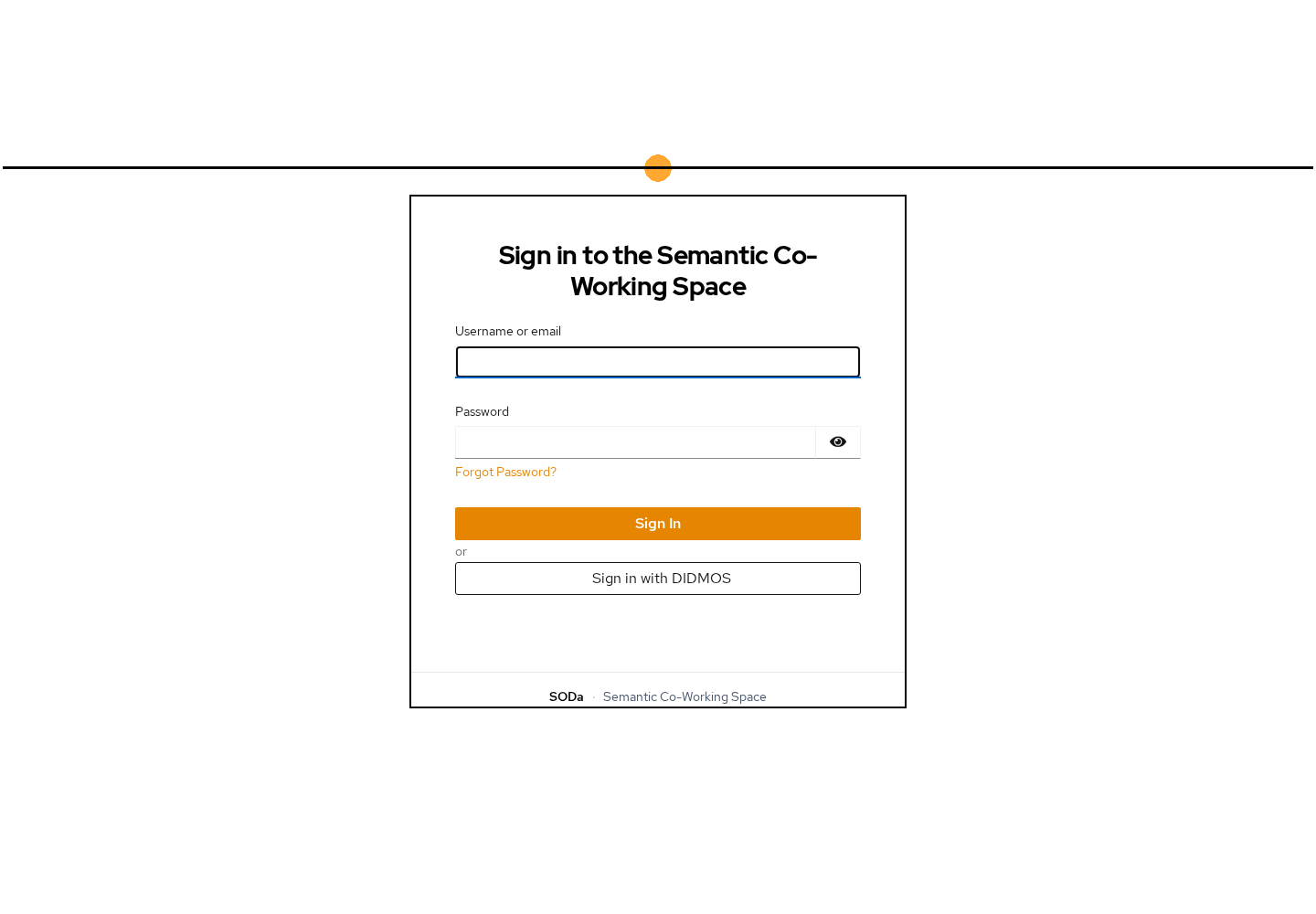
Forgot Password? resets the password when you know the account email.
Use Sign in with DIDMOS when your institution offers sign-in through DIDMOS. Otherwise the username and password from registration are the way in.
After that
You land on Projekte. There you see your project cards, the search field, and Projekt anlegen.
On the very first sign-in an introduction may cover the platform. Einführung überspringen closes it. Otherwise it walks through the idea of the platform. Your demo project is created in the background during that. The connection to file storage also runs in the background. Only if that fails does a step Nextcloud verbinden ask you to sign in to Drive once more. Pop-ups must be allowed for that.
The introduction appears only once. The pictures in the next chapters show the interface after that, on the demo project robert Demo.
Forgotten password, or an account that is not approved yet: Anmelden does not take you to the project page. Wait for the approval email, or reset the password with Forgot Password?. Passwort zurücksetzen on the registration page is the same path.